1. Log in to your Plesk account.
2. In the Sidebar Menu, click Websites & Domains.

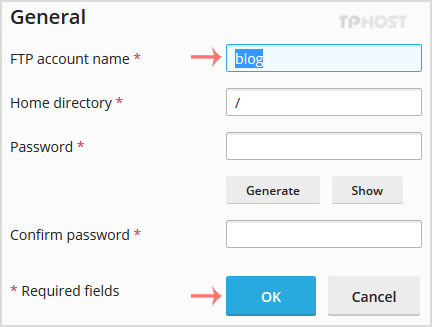
3. Below Domain Name, click on the appropriate domain name.
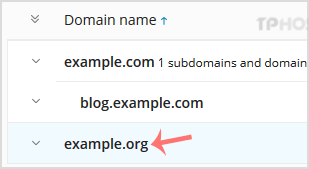
4. Under Files & Databases, click on the FTP Access.
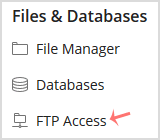
5. Click on the appropriate FTP account.
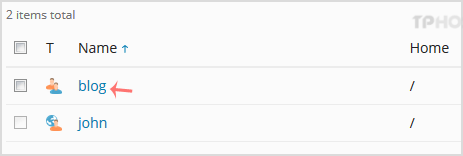
6. In the FTP Account name field, enter your new FTP name and then confirm with OK.