1. Log in to your Plesk account. (e.g., https://example.com:8443 )
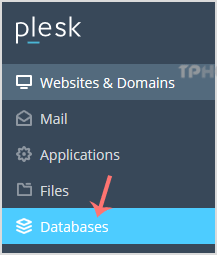
2. In the Sidebar Menu, click on Databases.
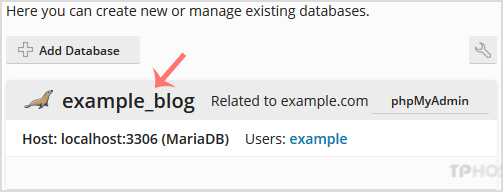
3. Under the list of databases, click on the database you wish to remove.
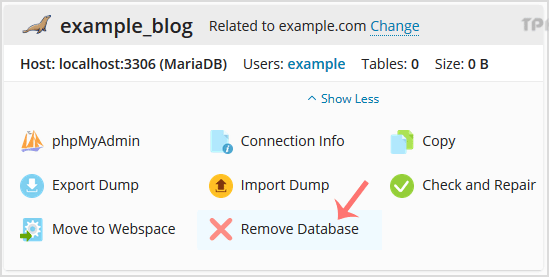
4. Now click on Remove Database and a confirmation box will appear. Confirm with Yes.
Your database will be removed.
